17. Firmware
TODO Offer default firmware.
TODO Mention "flash"
TODO Mention ZMK Studio
-
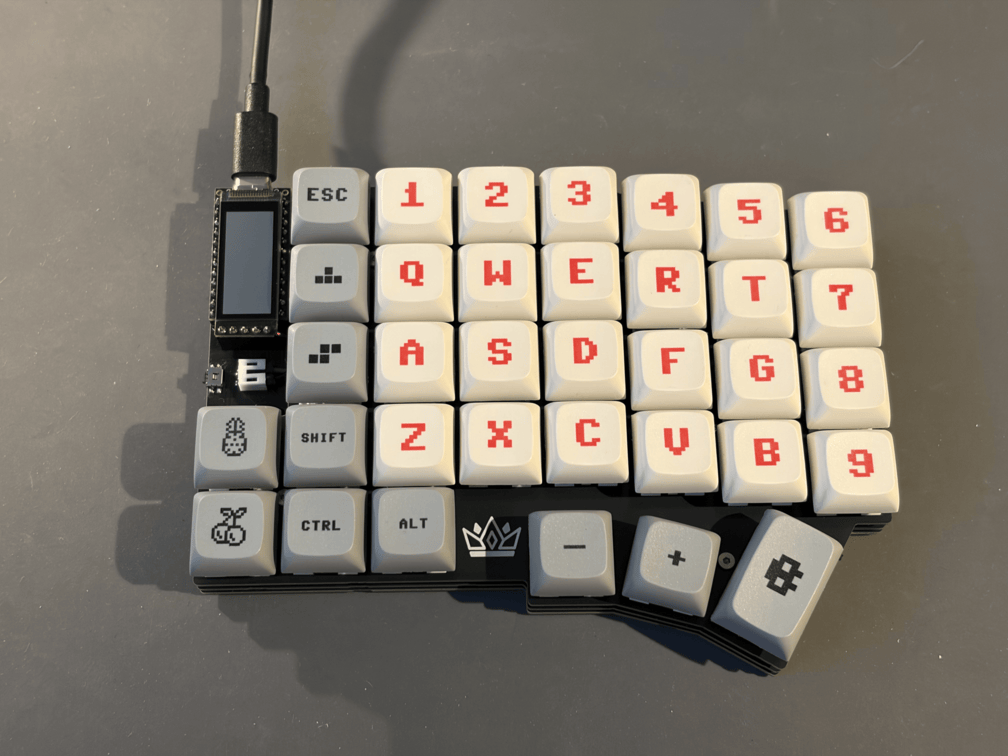
Connect the keyboard to your computer.
-
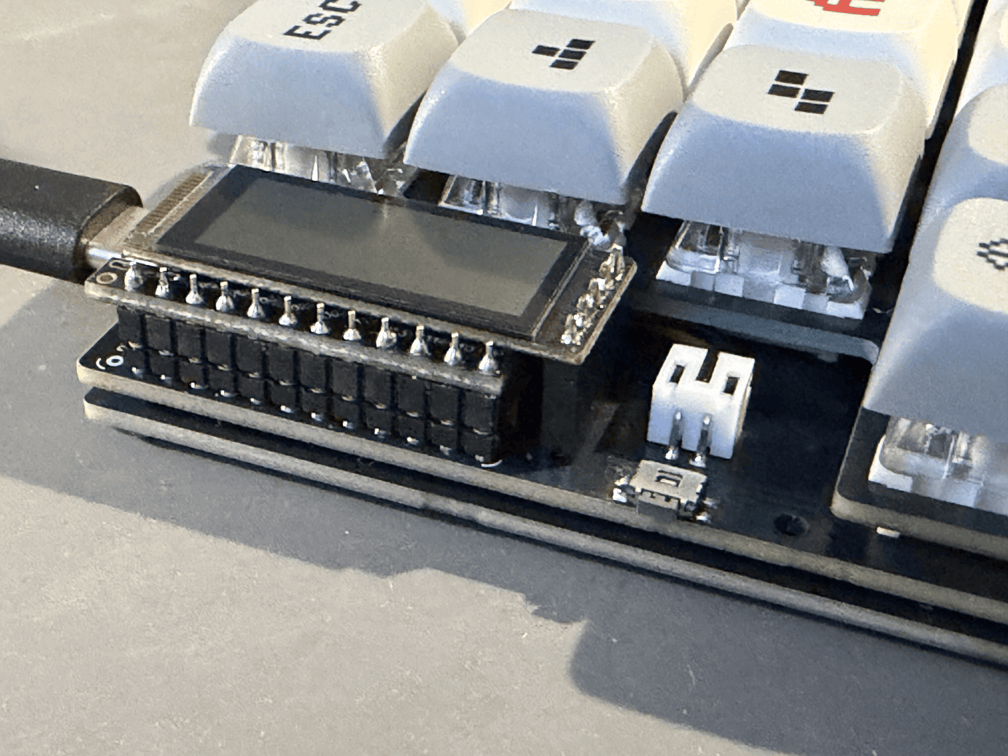
Double-tap the reset button within 500ms.
- The keyboard should appear as a USB drive called
NICENANO.
- The keyboard should appear as a USB drive called
-
Copy the
.uf2file into the mounted drive.- An error may be reported after copying the file, but this is expected and can be ignored.
- Once flashed, the drive will disappear and the keyboard will restart automatically.